How do you voice type in Arabic on a Mac?
Turn on Dictation in System Settings, under Keyboard, and add Arabic as a dictation language. Then click in any text field, press the dictation shortcut and speak. For the best results, dictate one language at a time, speak in short sentences, and tidy punctuation and filler words afterwards, or use a voice typing app that does it for you.
Turn on Arabic dictation
- Open the Apple menu and choose System Settings.
- Click Keyboard, then turn on Dictation.
- Next to Languages, click Edit and add Arabic.
- Choose the shortcut you want to use to start dictating.
- Click in any text field, press the shortcut and speak. Press it again to finish.
If you also dictate in English, keep both languages turned on and make sure the right one is selected before you speak.
Get more accurate Arabic
- Use a quiet room and keep the microphone close; a headset helps.
- Speak in short, complete sentences, at a normal pace.
- Pause briefly between ideas instead of filling the gap with “يعني” or “اممم”.
- Check names and numbers carefully.
- Read the text back once before you send it.
Arabic and English together
Gulf speakers often mix English terms into Arabic sentences. Dictation handles this poorly, because it listens for one language at a time. The practical fix is to dictate each sentence in one language: say the Arabic, then type or dictate the English term separately. For a whole meeting, where people switch freely, a meeting transcription tool built for both languages works better than dictation.
Tidy the text
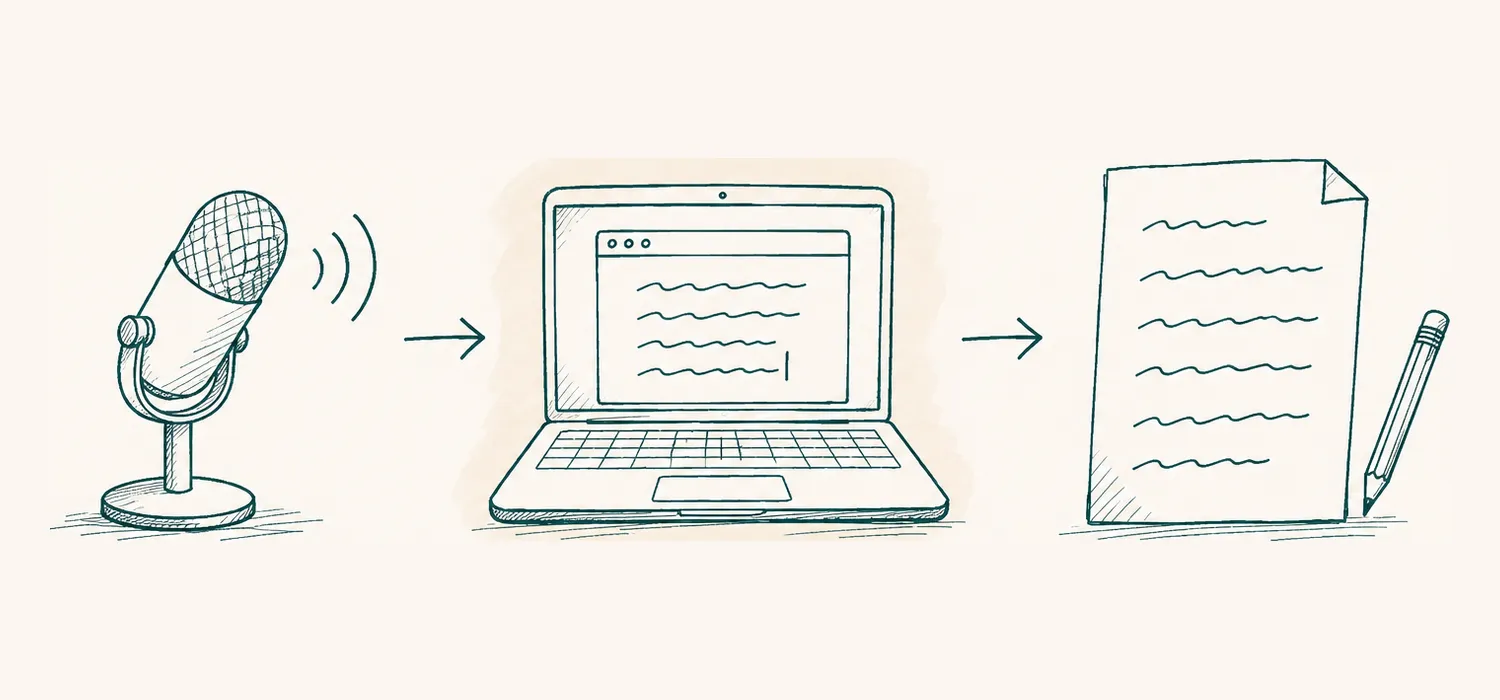
- Speak
- Text appears where you type
- Tidied: punctuation and lists
Raw dictation often comes out as one long sentence. Spend a minute on the basics: add full stops and commas, remove filler words, break long passages into paragraphs, and turn spoken lists into real lists. Keep the style of digits consistent, Western (1, 2, 3) or Eastern Arabic (١، ٢، ٣).
How Majlis helps
Majlis includes voice typing that works in any app on your Mac. Hold the fn key to talk, or double-tap it to go hands-free; Esc cancels. Speak Arabic or English, one at a time, and Majlis removes filler words, adds punctuation and lays out lists, or skips the tidy-up in Fast mode. It never types into password fields, what you dictate is not logged or stored on its servers, and your dictation history stays on your Mac for 30 days, then it is deleted (more on what to check about privacy). On Windows, hold Ctrl and the Windows key instead.
Join the Majlis waitlist to download it for Mac or Windows, or see how Majlis works.
Questions
Can a Mac dictate in Arabic?
Yes. Open System Settings, choose Keyboard, turn on Dictation and add Arabic as one of the dictation languages.
Can I dictate Arabic and English in the same sentence?
Dictation works best in one language at a time. Majlis voice typing also takes Arabic or English one at a time; for meetings, where people switch language mid-sentence, Majlis transcribes both together.
Does voice typing work in any app?
Mac dictation works in most places you can type. Majlis voice typing works in any app, except password fields, which it never types into.
Is what I dictate stored?
With Majlis, your dictation is not logged or stored on its servers, and a history of your dictations is kept on your Mac for 30 days, then deleted.