Is it safe to use AI for meeting notes?
It can be, if you know where your meeting goes. Check what leaves your device, whether audio and text are stored and for how long, whether they are used to train AI models, and how to delete them. Choose a tool whose privacy policy answers these plainly, and always tell people you are recording.
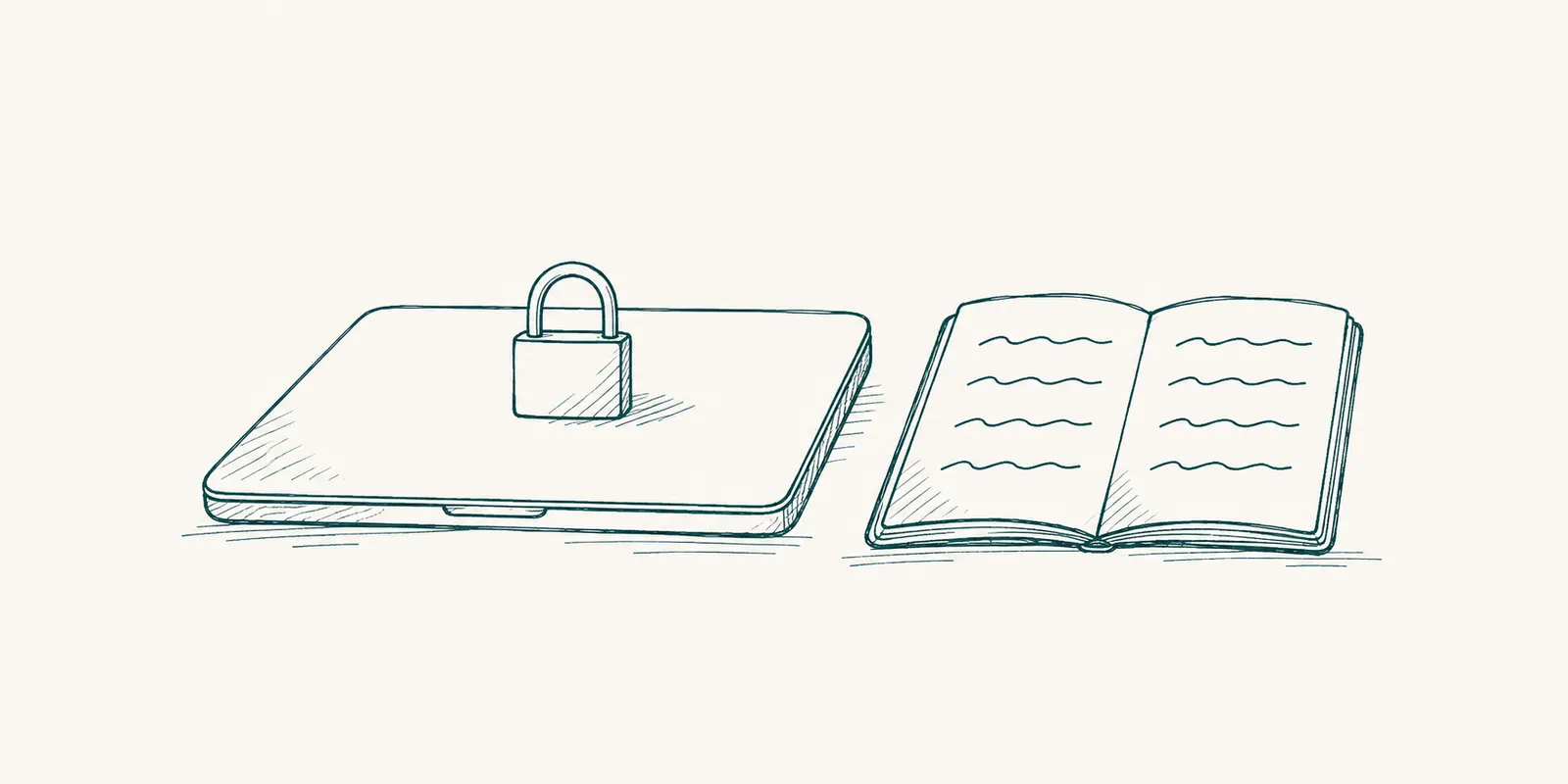
Where a meeting can go
When an app writes your meeting notes, the conversation can end up in up to three places: on your own device, on the app company’s servers, and with the speech and AI services the app uses behind the scenes. Safety mostly comes down to which of these hold your meeting, and for how long.
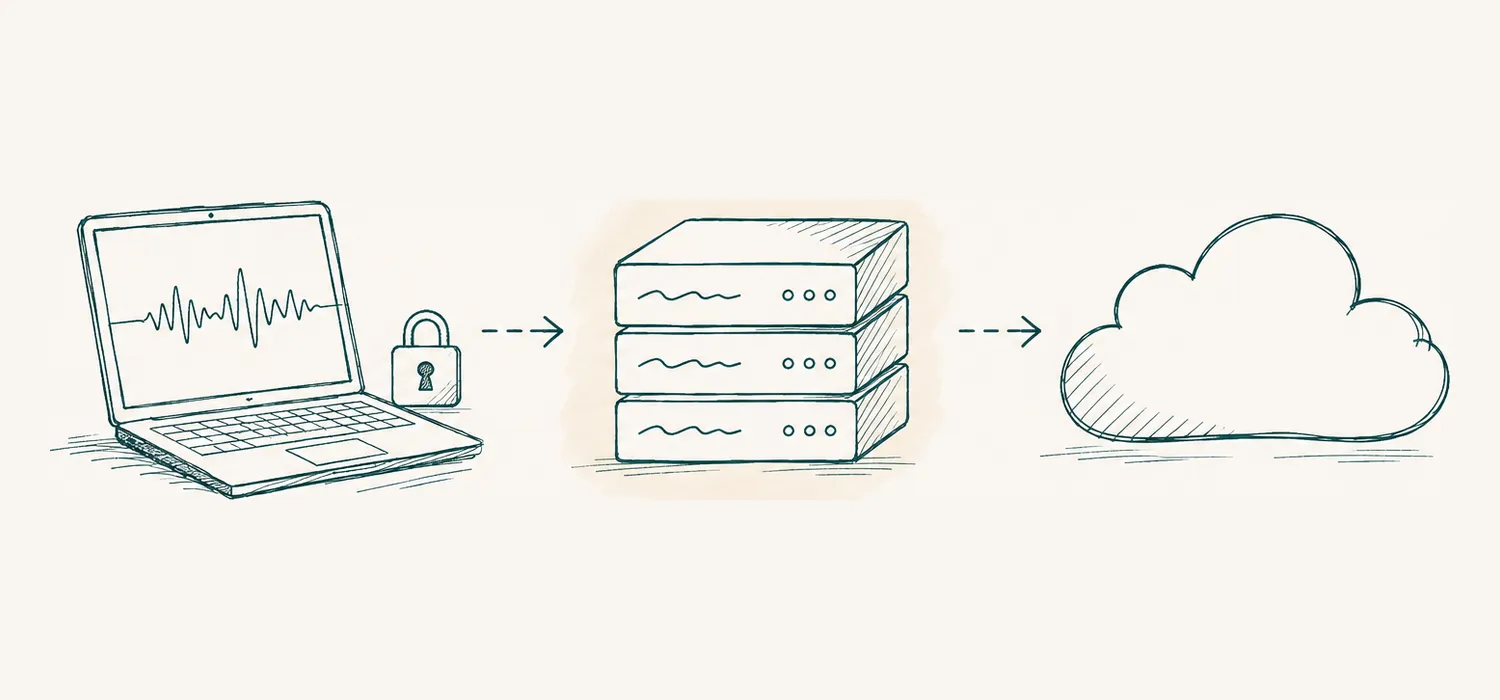
- Your device
- The app’s servers
- Speech and AI services
Questions to ask any meeting notes app
- Does a bot join the call? If so, everyone in the meeting is sharing their words with that service. You can get meeting notes without a bot.
- What leaves my device, and where does it go? Audio, transcript, notes, or all of them?
- Is anything stored on servers, and for how long? Look for specific answers, not “as long as necessary”.
- Is my data used to train AI models? By the app company, or by the services it uses.
- Where are the servers? This can matter for your company’s policies and for some regulators.
- Who can read my meetings? Ideally nobody, unless you ask for support.
- Can I delete my data and my account? And how do you ask?
- What does it ask for in my calendar or email? A notes app needs very little.
Warning signs
- A privacy policy that never says where audio goes or how long it is kept.
- Broad wording such as “we may use your content to improve our services” with no way to opt out.
- No clear way to delete your recordings or your account.
- Permissions far beyond the job, such as sending email on your behalf.
Your part
Even a careful tool cannot decide for you. Tell people you are recording, and in many places get their consent. Think twice before recording meetings your organisation treats as confidential, such as board and committee meetings, and share the notes only with people who were entitled to hear the meeting.
How Majlis helps
Majlis keeps your recordings, transcripts and notes on your own device. Meeting audio streams straight from the app to a speech-to-text provider and never passes through or is stored on Majlis’s servers. To write notes, the transcript passes through Majlis’s backend, which does not log or store it, to an AI model provider with storage turned off. The backend runs in the European Union. Calendar access is read-only, Majlis never reads your email, and it does not sell your data, show ads or track you across apps. The privacy policy has the details.
Join the Majlis waitlist to download it for Mac or Windows, or see how Majlis works.
Questions
Do AI note takers keep my recordings?
It depends on the tool, so read its privacy policy. Some keep audio and transcripts on their servers. Majlis stores your recordings, transcripts and notes on your own device, and the meeting audio never passes through or is stored on its servers.
Will my meetings be used to train AI?
Check the policy for a direct answer. Majlis does not train on your data, and its requests to the AI model provider are made with storage turned off.
What calendar access should a notes app ask for?
Read-only access to your events is enough to show upcoming meetings. Be wary of a notes app that asks to send email or change your calendar.
Is it legal to record meetings for notes?
Rules differ from place to place, and many require everyone’s consent. Tell everyone before you start recording, and follow your organisation’s policies.